> For the complete documentation index, see [llms.txt](https://docs.abtasty.com/llms.txt). Markdown versions of documentation pages are available by appending `.md` to page URLs; this page is available as [Markdown](https://docs.abtasty.com/integrations/other-integrations/productivity/connect-your-slack-workspace-to-ab-tasty.md).
# Connect your Slack Workspace to AB Tasty
***
Integrating Slack with AB Tasty lets you receive real-time updates on your experiments, personalizations, and other platform activities directly in your Slack workspace. This integration helps streamline team collaboration by ensuring everyone stays informed without leaving their Slack environment.
***
## Slack Functionalities
Once connected, the Slack integration with AB Tasty provides several key features:
* **Real-time notifications**: Get updates on experiment launches, creation of new campaigns and other key events.
* **Specific Accounts & Campaigns subscriptions:** Focus on what you want to follow.
* **Slack commands**: Use specific commands to retrieve experiment details directly from Slack.
* **Multi-channel support**: Choose where notifications are sent based on your team's workflow.
***
## Prerequisites
* Admin access to your Slack workspace.
## Slack installation steps
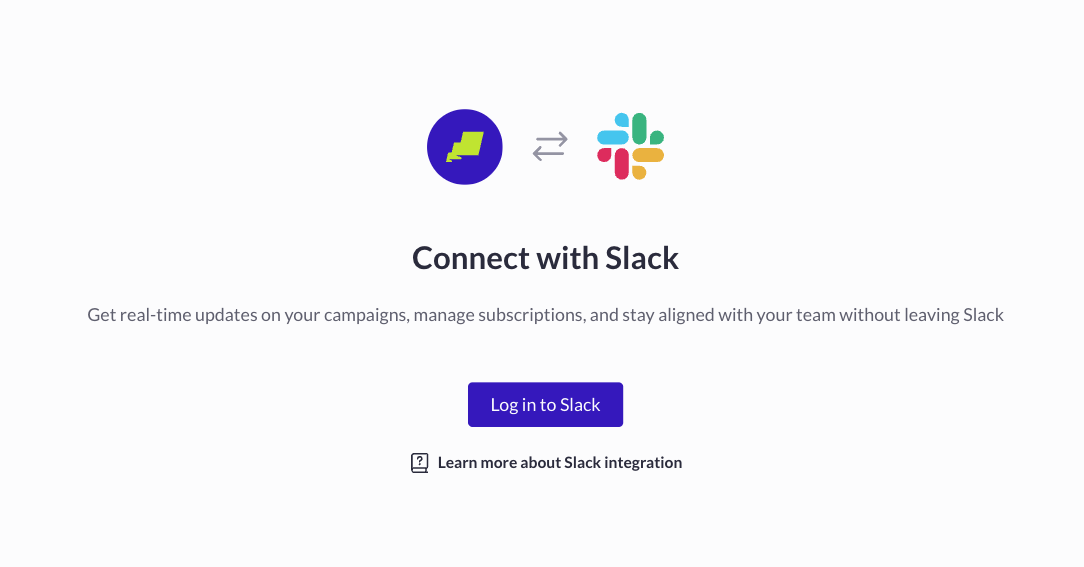
**1.** Access AB Tasty Integration Hub
**2.** Under Productivity, localize Slack Card\
**3.** Click on Create a connector
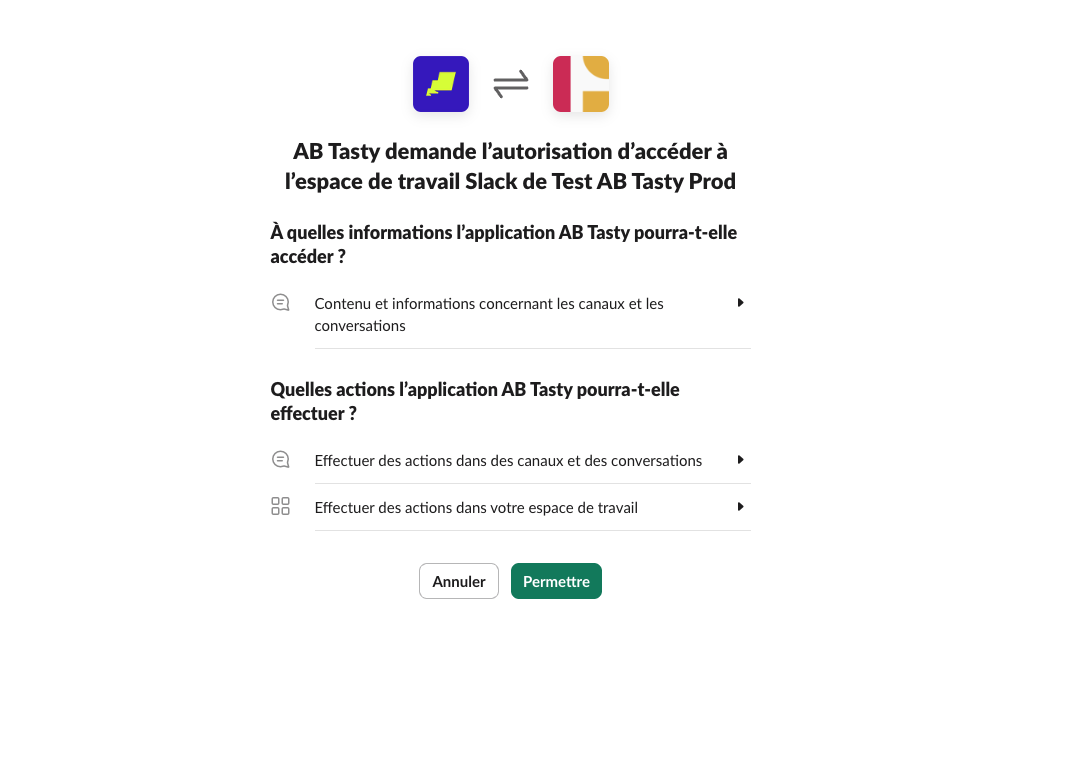
**4.** Authorize the Installation
* You can follow the on-screen prompts to give AB Tasty the necessary permissions to access your Slack workspace. If you're not the workspace's admin, it may require admin approval.\
## Connect From Slack
Once the APP is installed on your workspace, you can connect AB Tasty to Slack directly from within Slack:
1. Open Slack and navigate to the **Apps** section.
2. Search for **AB Tasty**
3. On the Home Page, click on **Log In to continue**
4. Once completed, your AB Tasty account will be linked to your Slack, enabling commands & notifications
## Connect From AB Tasty
If you prefer to set up the integration directly from AB Tasty:
1. Log in to AB Tasty and go to the **Integrations** section.
2. Find **Slack** and click **Create a connector**
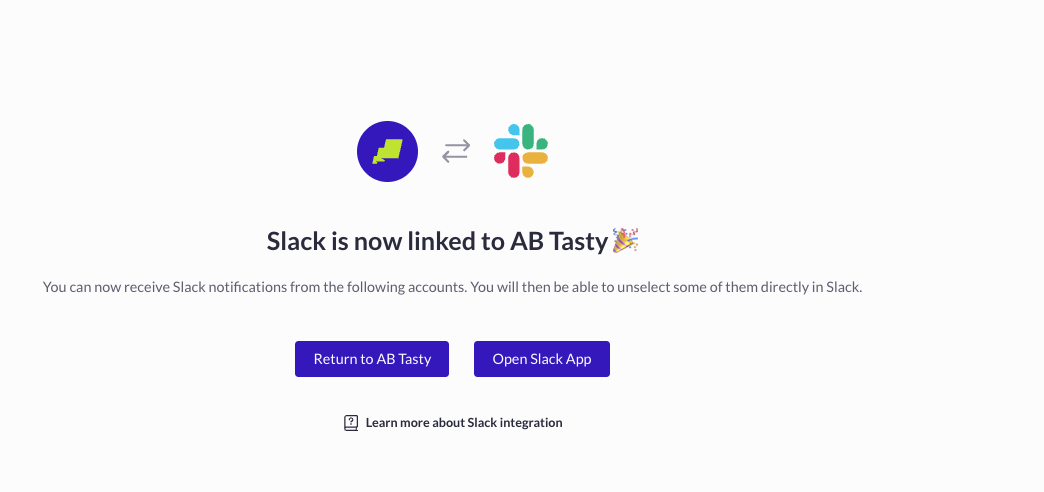
3. Follow the authorization flow to link your Slack Account and AB Tasty successfully
## Slack Commands
Once the integration is active, you can use the following commands within Slack to interact with AB Tasty:
* `/abt-campaigns` → Displays a list of active experiments from your last connected account.
* `/abt-account-info` → Displays a list of active experiments from the selected account.
* `/abt-campaign-info` → Displays specific details about the selected campaign.
* `/abt-subscribe-users` → Allows a user to manage subscriptions to specific accounts or campaigns.
* `/abt-subscribe-channel` → Allows a Slack channel to follow specific accounts or campaigns
* `/abt-unsubscribe` → Manages current subscriptions.
* `/abtasty help` → Provides a list of available commands.
## Notifications & Subscriptions
AB Tasty’s Slack integration brings your campaign insights directly to your workspace, making it easier to stay informed and collaborate efficiently.
With the AB Tasty Slack integration, you can:
✅ **Subscribe/unsubscribe to campaigns** – Get only the updates that matter to you.
✅ **Retrieve campaign details** – Access specific data directly from Slack
✅ **Get real-time status updates** – Never miss a key change.
✅ **Add the app to any channel** – Keep campaign discussions in context with dedicated updates per channel.
By integrating Slack with AB Tasty, teams can improve collaboration and ensure that important experiment updates are easily accessible. Whether you connect via Slack or AB Tasty, the straightforward process enhances visibility into your optimization efforts.
{% hint style="info" %}
For channel Subscription, you need to add AB Tasty application to a channel first by typing /invite @AB Tasty

{% endhint %}
## Privacy policy
To learn more about AB Tasty policy, please read our dedicated page:
{% embed url="" %}
---
# Agent Instructions
This documentation is published with GitBook. GitBook is the documentation platform designed so that both humans and AI agents can read, navigate, and reason over technical content effectively. Learn more at gitbook.com.
## Querying This Documentation
If you need additional information that is not directly available in this page, you can query the documentation dynamically by asking a question.
Perform an HTTP GET request on the current page URL with the `ask` query parameter, and the optional `goal` query parameter:
```
GET https://docs.abtasty.com/integrations/other-integrations/productivity/connect-your-slack-workspace-to-ab-tasty.md?ask=&goal=
```
`ask` is the immediate question: it should be specific, self-contained, and written in natural language.
`goal` is optional and describes the broader end goal you are ultimately trying to accomplish on behalf of the user. GitBook uses it to tailor the answer towards what is most useful for that goal.
The response will contain a direct answer to the question and relevant excerpts and sources from the documentation.
Use this mechanism when the answer is not explicitly present in the current page, you need clarification or additional context, or you want to retrieve related documentation sections.
 ***
Integrating Slack with AB Tasty lets you receive real-time updates on your experiments, personalizations, and other platform activities directly in your Slack workspace. This integration helps streamline team collaboration by ensuring everyone stays informed without leaving their Slack environment.
***
## Slack Functionalities
Once connected, the Slack integration with AB Tasty provides several key features:
* **Real-time notifications**: Get updates on experiment launches, creation of new campaigns and other key events.
* **Specific Accounts & Campaigns subscriptions:** Focus on what you want to follow.
* **Slack commands**: Use specific commands to retrieve experiment details directly from Slack.
* **Multi-channel support**: Choose where notifications are sent based on your team's workflow.
***
## Prerequisites
* Admin access to your Slack workspace.
## Slack installation steps
**1.** Access AB Tasty Integration Hub
**2.** Under Productivity, localize Slack Card\
**3.** Click on Create a connector
***
Integrating Slack with AB Tasty lets you receive real-time updates on your experiments, personalizations, and other platform activities directly in your Slack workspace. This integration helps streamline team collaboration by ensuring everyone stays informed without leaving their Slack environment.
***
## Slack Functionalities
Once connected, the Slack integration with AB Tasty provides several key features:
* **Real-time notifications**: Get updates on experiment launches, creation of new campaigns and other key events.
* **Specific Accounts & Campaigns subscriptions:** Focus on what you want to follow.
* **Slack commands**: Use specific commands to retrieve experiment details directly from Slack.
* **Multi-channel support**: Choose where notifications are sent based on your team's workflow.
***
## Prerequisites
* Admin access to your Slack workspace.
## Slack installation steps
**1.** Access AB Tasty Integration Hub
**2.** Under Productivity, localize Slack Card\
**3.** Click on Create a connector
 ## Connect From AB Tasty
If you prefer to set up the integration directly from AB Tasty:
1. Log in to AB Tasty and go to the **Integrations** section.
2. Find **Slack** and click **Create a connector**
3. Follow the authorization flow to link your Slack Account and AB Tasty successfully
## Slack Commands
Once the integration is active, you can use the following commands within Slack to interact with AB Tasty:
* `/abt-campaigns` → Displays a list of active experiments from your last connected account.
* `/abt-account-info` → Displays a list of active experiments from the selected account.
* `/abt-campaign-info` → Displays specific details about the selected campaign.
* `/abt-subscribe-users` → Allows a user to manage subscriptions to specific accounts or campaigns.
* `/abt-subscribe-channel` → Allows a Slack channel to follow specific accounts or campaigns
* `/abt-unsubscribe` → Manages current subscriptions.
* `/abtasty help` → Provides a list of available commands.
## Notifications & Subscriptions
AB Tasty’s Slack integration brings your campaign insights directly to your workspace, making it easier to stay informed and collaborate efficiently.
With the AB Tasty Slack integration, you can:
✅ **Subscribe/unsubscribe to campaigns** – Get only the updates that matter to you.
✅ **Retrieve campaign details** – Access specific data directly from Slack
✅ **Get real-time status updates** – Never miss a key change.
✅ **Add the app to any channel** – Keep campaign discussions in context with dedicated updates per channel.
By integrating Slack with AB Tasty, teams can improve collaboration and ensure that important experiment updates are easily accessible. Whether you connect via Slack or AB Tasty, the straightforward process enhances visibility into your optimization efforts.
{% hint style="info" %}
For channel Subscription, you need to add AB Tasty application to a channel first by typing /invite @AB Tasty

{% endhint %}
## Privacy policy
To learn more about AB Tasty policy, please read our dedicated page:
{% embed url="
## Connect From AB Tasty
If you prefer to set up the integration directly from AB Tasty:
1. Log in to AB Tasty and go to the **Integrations** section.
2. Find **Slack** and click **Create a connector**
3. Follow the authorization flow to link your Slack Account and AB Tasty successfully
## Slack Commands
Once the integration is active, you can use the following commands within Slack to interact with AB Tasty:
* `/abt-campaigns` → Displays a list of active experiments from your last connected account.
* `/abt-account-info` → Displays a list of active experiments from the selected account.
* `/abt-campaign-info` → Displays specific details about the selected campaign.
* `/abt-subscribe-users` → Allows a user to manage subscriptions to specific accounts or campaigns.
* `/abt-subscribe-channel` → Allows a Slack channel to follow specific accounts or campaigns
* `/abt-unsubscribe` → Manages current subscriptions.
* `/abtasty help` → Provides a list of available commands.
## Notifications & Subscriptions
AB Tasty’s Slack integration brings your campaign insights directly to your workspace, making it easier to stay informed and collaborate efficiently.
With the AB Tasty Slack integration, you can:
✅ **Subscribe/unsubscribe to campaigns** – Get only the updates that matter to you.
✅ **Retrieve campaign details** – Access specific data directly from Slack
✅ **Get real-time status updates** – Never miss a key change.
✅ **Add the app to any channel** – Keep campaign discussions in context with dedicated updates per channel.
By integrating Slack with AB Tasty, teams can improve collaboration and ensure that important experiment updates are easily accessible. Whether you connect via Slack or AB Tasty, the straightforward process enhances visibility into your optimization efforts.
{% hint style="info" %}
For channel Subscription, you need to add AB Tasty application to a channel first by typing /invite @AB Tasty

{% endhint %}
## Privacy policy
To learn more about AB Tasty policy, please read our dedicated page:
{% embed url="